
When to Add 2FA to an Indian E‑commerce Site
A practical guide showing when Indian e‑commerce sites need 2FA, with clear trade‑offs and implementation tips.

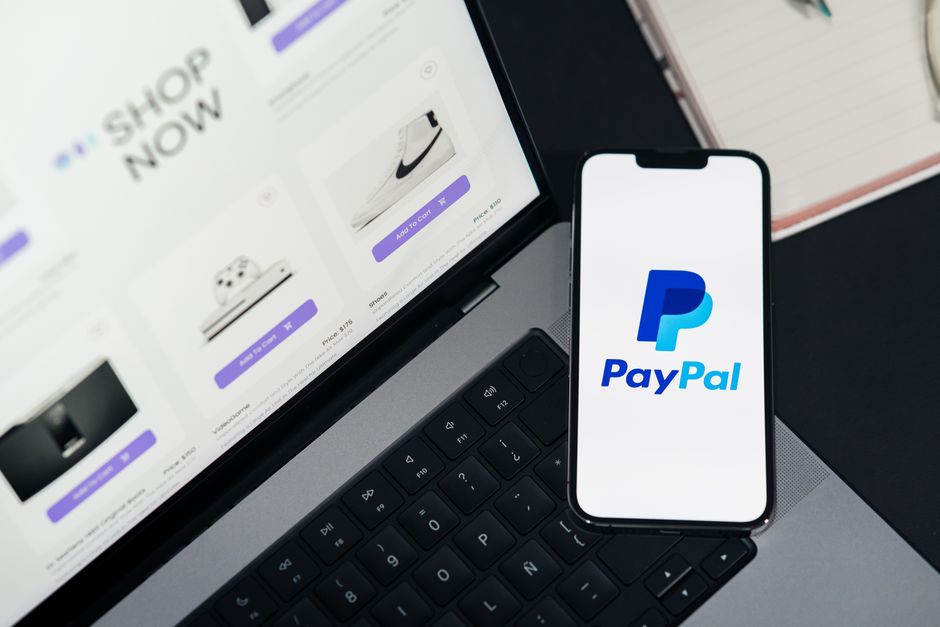
Add 2FA at checkout for high‑value orders and after password‑reset flows, but keep it optional for low‑risk interactions.
Why 2FA matters for Indian e‑commerce
Two‑factor authentication (2FA) is the cheapest way to raise the bar against account takeover, credential stuffing and payment fraud. In India the average transaction size on mobile‑first platforms is still modest, but a single compromised account can expose dozens of linked payment methods, address books and loyalty points. The cost of a breach—lost revenue, charge‑backs, brand damage—often outweighs the friction you add for a user.
The three risk thresholds you should map
We break the decision into three practical buckets:
- High‑value actions – checkout, adding a new payment method, changing a phone number.
- Credential‑sensitive flows – password reset, email change, login from a new device.
- Routine interactions – browsing, adding items to cart, reading order history.
The sweet spot is to protect high‑value actions and credential‑sensitive flows while keeping routine interactions friction‑free.
If you protect only the first bucket, a hacker can still hijack an account and wait for a high‑value purchase later. If you protect everything, you risk cart abandonment, especially on low‑end Android phones with spotty connectivity.
Mapping thresholds to implementation stages
Below is an illustrative table that shows where 2FA typically appears in a user journey and the trade‑offs you face.
| Stage | When to trigger 2FA | User impact | Cost impact |
|---|---|---|---|
| Login from new device | Always | Adds a step, but users expect it for security | Minimal – SMS/OTP gateway fees only |
| Password reset | Always | Prevents account takeover via email hijack | Same as login |
| Add/Change payment method | Always for amounts > ₹5,000 | Slight friction, but protects high‑risk money flow | May need additional integration for OTP‑based payment APIs |
| Checkout > ₹10,000 | Optional, but recommended | One extra tap; can be bypassed with trusted device flag | Higher OTP volume, but spreads cost over larger orders |
| Low‑value checkout (< ₹500) | Never, unless fraud score is high | Keeps conversion high on budget shoppers | Saves on OTP costs |
The table uses round figures to illustrate typical thresholds; your actual limits will depend on average order value, fraud rate and the cost of OTP per message.
How to decide the exact threshold
- Analyse your fraud loss – Look at charge‑back ratios for different order sizes. If losses jump sharply after ₹7,000, set the 2FA trigger just above that.
- Calculate OTP cost – An SMS OTP costs roughly ₹0.5–₹1 per message. If you expect 5,000 OTPs a month, that’s about ₹2,500–₹5,000. Compare that to the average fraud loss per prevented transaction.
- Measure conversion drop – Run an A/B test on a small user segment. If checkout conversion falls more than 2% when you add OTP for ₹1,000 orders, raise the threshold.
The annoying details you’ll hit in India
- OTP delivery latency: Rural networks can delay SMS by 30‑60 seconds, which feels like a bug to impatient shoppers.
- Regulatory GST on OTP services: Some providers charge GST on the per‑message fee, inflating the cost.
- Device fragmentation: Low‑end Android phones often lack Google Play Services, meaning push‑based OTPs (like Firebase) may not work reliably.
- User fatigue: Frequent OTP prompts on the same device can lead to users disabling notifications or switching to a competitor.
Choosing the right technology stack
| Option | Pros | Cons |
|---|---|---|
| SMS OTP | Works on any phone, no app needed | Delivery delays, higher per‑message cost |
| Email OTP | Free if you already send transactional emails | Slower, vulnerable to email account compromise |
| Authenticator app (TOTP) | No per‑message cost, instant | Requires user to install an app, low adoption on budget phones |
| Push notification OTP (Firebase) | Instant, no SMS cost | Needs Google Play Services, not universal |
Most Indian e‑commerce sites start with SMS for the first 2FA roll‑out, then add TOTP for power users.
A realistic rollout plan
- Phase 1 – Credential flows: Add OTP on login from new devices and password reset. This covers the biggest attack surface with minimal impact on checkout speed.
- Phase 2 – High‑value checkout: Introduce OTP for orders above your fraud‑loss threshold. Show a clear message: “For your security, we’ll verify this purchase with a one‑time code.”
- Phase 3 – Trusted device flag: After a successful OTP, set a cookie or device token that skips OTP for the next 30 days, unless the device changes.
- Phase 4 – Optional TOTP: Offer an authenticator app for frequent shoppers who want a faster, cost‑free experience.
Visualising the effort distribution
The donut shows that development dominates the effort, especially when you integrate multiple OTP providers.
Example of hour allocation across teams
Design spends time on UI/UX for the OTP screens, Android and iOS teams handle SDK integration, and QA validates edge cases like delayed SMS.
Quick checklist before you press go
- Define the monetary threshold based on your fraud data.
- Choose a primary OTP channel (SMS) and a fallback (email).
- Implement a trusted‑device mechanism to reduce repeat friction.
- Set up monitoring for OTP delivery rates and checkout conversion.
- Prepare a customer‑support script for OTP‑related queries.
The final word
Implementing 2FA is not a one‑size‑fits‑all decision. By protecting high‑value actions and credential‑sensitive flows, you get the security upside without crippling the shopper experience. Keep an eye on OTP costs, delivery latency and user fatigue, and adjust thresholds as your fraud profile evolves.
We at Nexgino have helped several Indian retailers navigate these trade‑offs and arrive at a balanced 2FA strategy.
Thinking about building something?
Tell us what you have in mind. You will hear back from an engineer, usually within a day.
Start a project