

This beginner‑friendly course is for Indian students and career‑switchers who want a hands‑on cloud skill that lands a job. You'll create a static website, host it on Amazon S3, accelerate it globally with CloudFront, and set up a cheap CI pipeline using GitHub Actions.
By the end of the course you will have a live, multi‑region website that serves content with low latency and minimal cost, and you’ll understand the core AWS services behind it.
You’ll be ready to add static‑site deployment to any resume, interview, or freelance gig, and you’ll have a portfolio piece you can show to recruiters.
 Course Overview & AWS Free Tier Setup
CodeSnippet · 15 min
2
Course Overview & AWS Free Tier Setup
CodeSnippet · 15 min
2
 Static Site Basics & Local Development
freeCodeCamp.org · 33 min
3
Static Site Basics & Local Development
freeCodeCamp.org · 33 min
3
 Create an S3 Bucket for Static Hosting
Gaurav Sharma · 14 min
4
Create an S3 Bucket for Static Hosting
Gaurav Sharma · 14 min
4
 Configure CloudFront Distribution (Project 1)
Tiny Technical Tutorials · 11 min
5
Configure CloudFront Distribution (Project 1)
Tiny Technical Tutorials · 11 min
5
 Custom Domain & HTTPS with ACM
Felix Yu · 21 min
6
Custom Domain & HTTPS with ACM
Felix Yu · 21 min
6
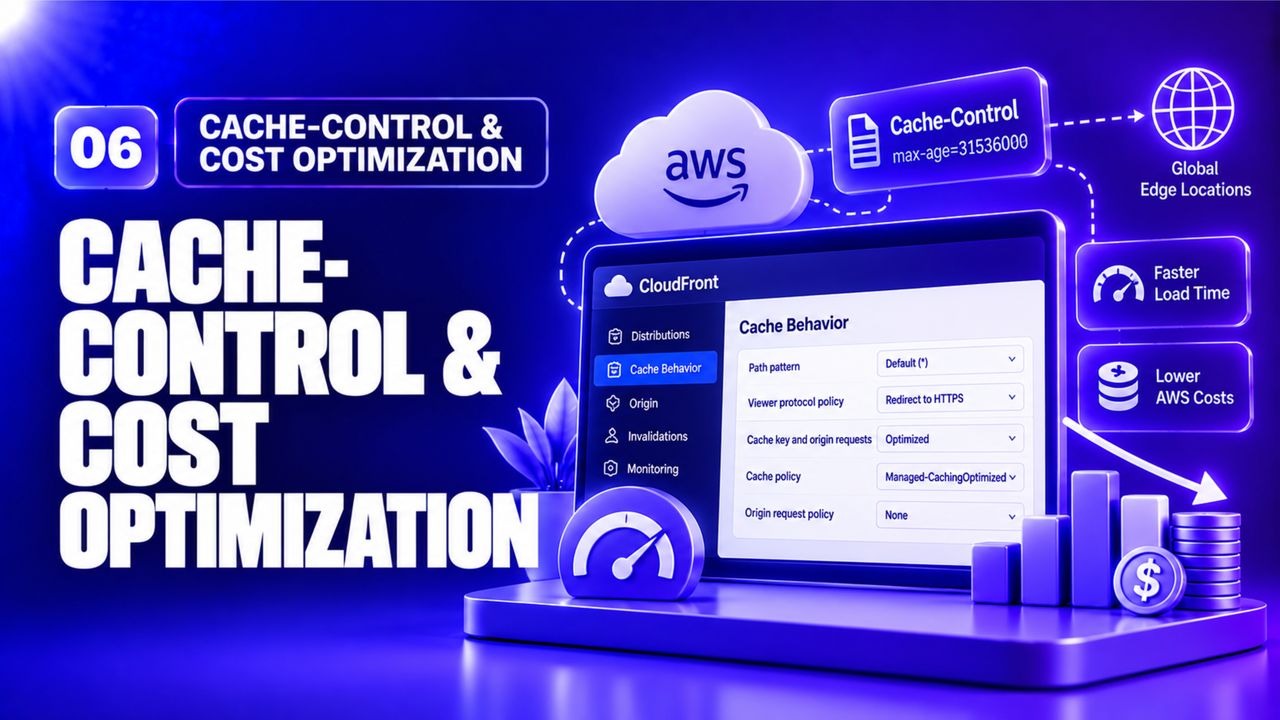 Cache‑Control & Cost Optimization
Gaurav Sharma · 10 min
7
Cache‑Control & Cost Optimization
Gaurav Sharma · 10 min
7
 GitHub Actions CI for Automatic Deploy (Project 2)
Anton Putra · 18 min
8
GitHub Actions CI for Automatic Deploy (Project 2)
Anton Putra · 18 min
8
 Monitoring, Logging & Troubleshooting
Tiny Technical Tutorials · 11 min
9
Monitoring, Logging & Troubleshooting
Tiny Technical Tutorials · 11 min
9
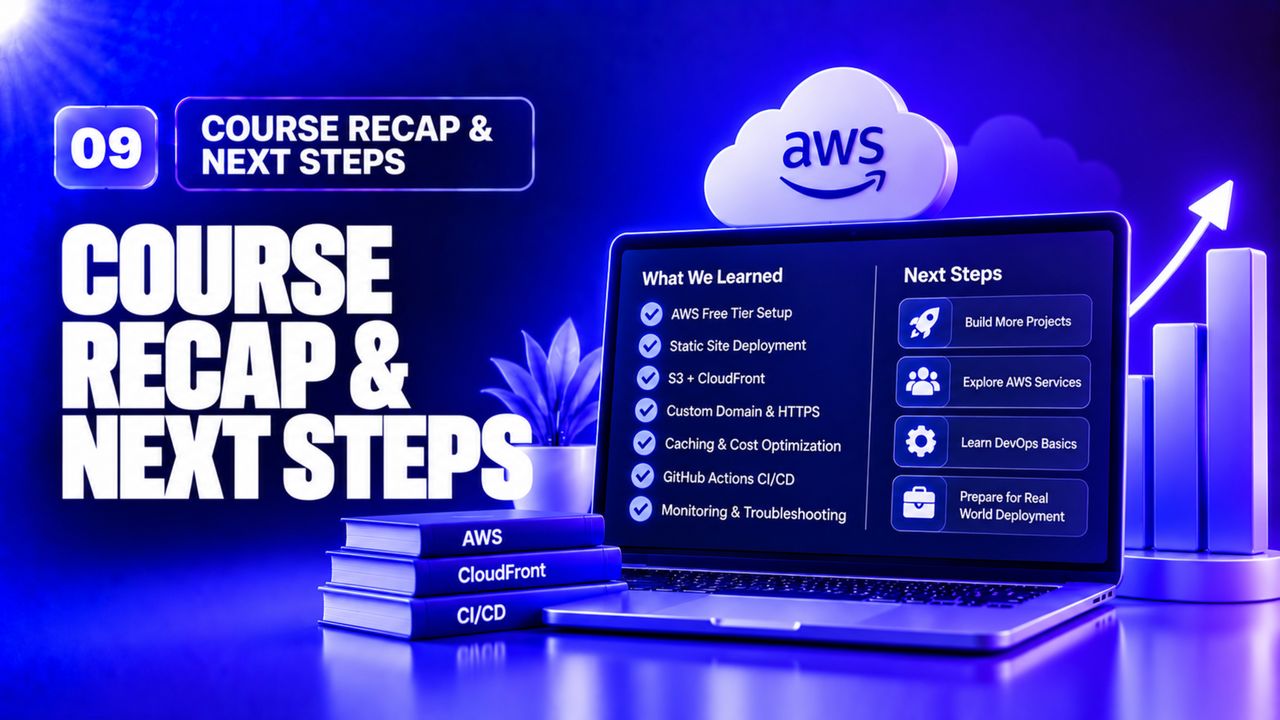 Course Recap & Next Steps
Genie Ashwani · 9 min
Course Recap & Next Steps
Genie Ashwani · 9 min
Build and publish your own personal portfolio site (HTML/CSS/JS) using the pipeline you created.
Submit: a public GitHub repository link and the live website URL.
Reviewer checklist: