

This beginner‑friendly course is for Indian students and career switchers who want a concrete, portfolio‑ready skill. You'll learn the fundamentals of web technologies and how to turn them into a Progressive Web App that works offline and can be installed like a native app.
By the end of the course you'll have built a complete PWA for a fictional local shop – complete with a home page, product catalog, cart, and service worker.
You’ll be able to showcase the PWA in interviews, add it to your résumé, and start taking freelance gigs building fast, installable web experiences for small businesses.
 Introduction to PWAs and Project Overview
Fireship · 8 min
2
Introduction to PWAs and Project Overview
Fireship · 8 min
2
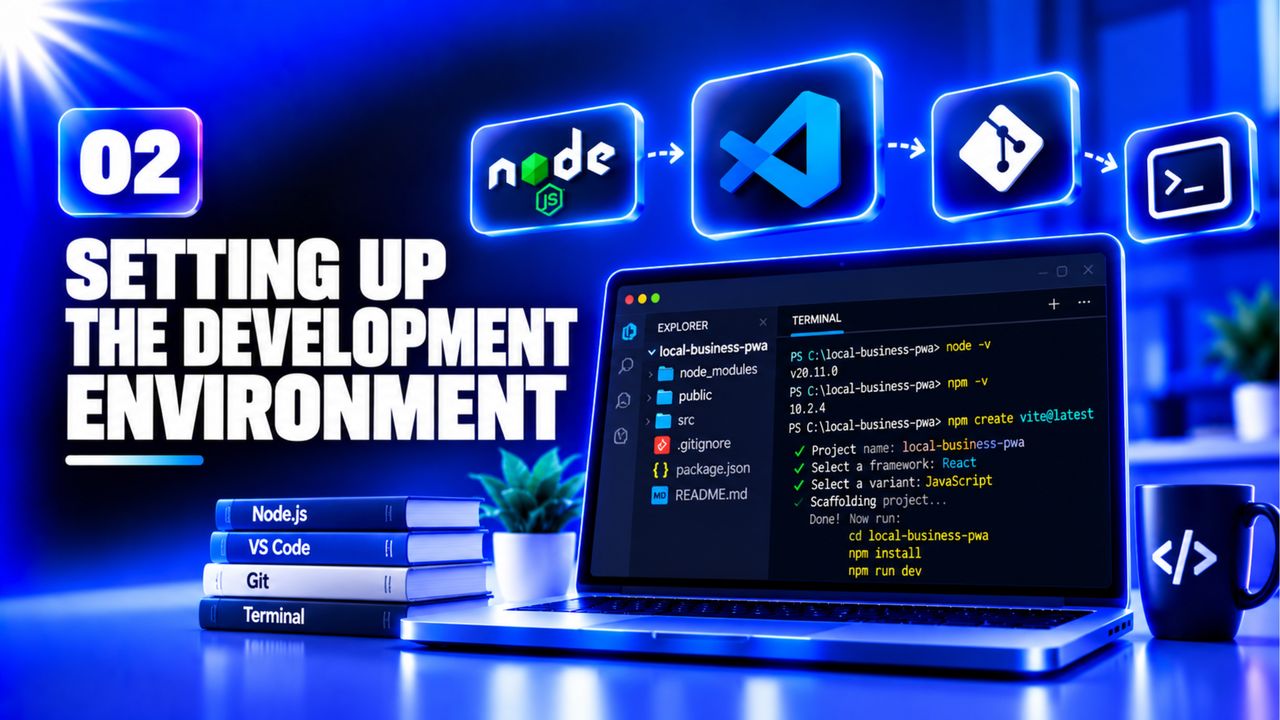 Setting Up the Development Environment
Arpan Neupane · 13 min
3
Setting Up the Development Environment
Arpan Neupane · 13 min
3
 HTML Structure and Responsive Layout
CodeWithHarry · 28 min
4
HTML Structure and Responsive Layout
CodeWithHarry · 28 min
4
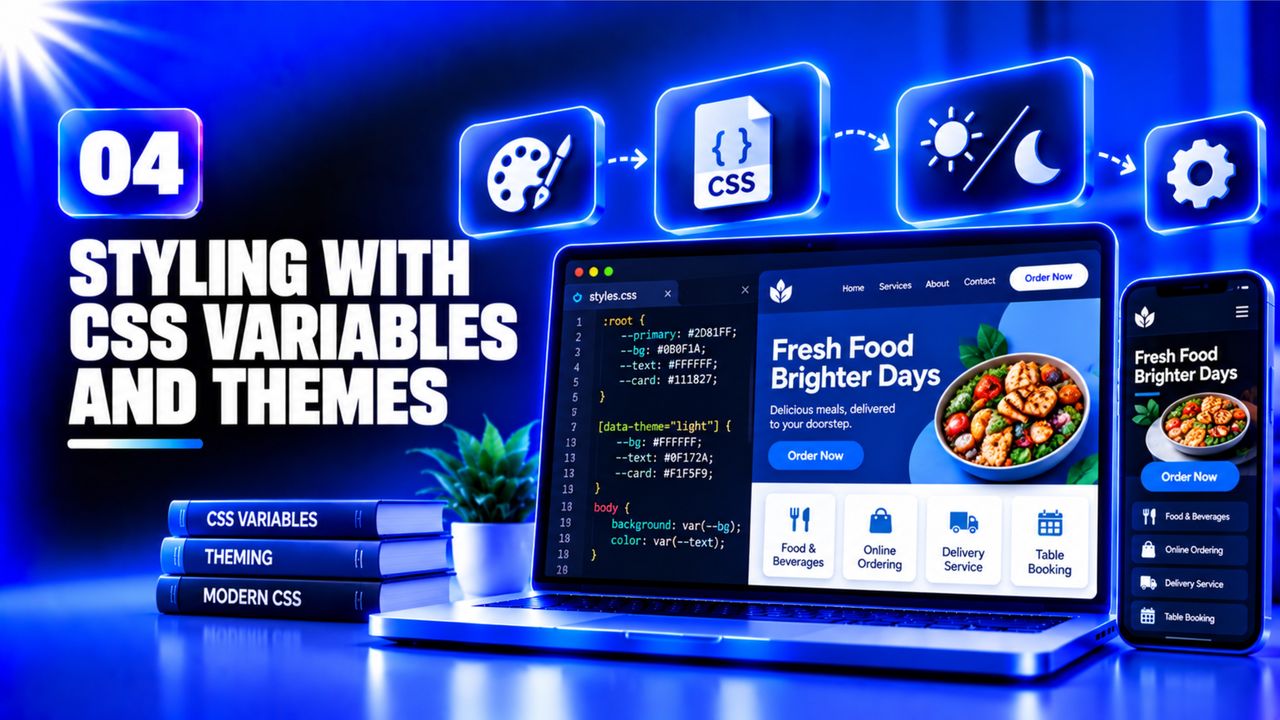 Styling with CSS Variables and Themes
CodeWithHarry · 13 min
5
Styling with CSS Variables and Themes
CodeWithHarry · 13 min
5
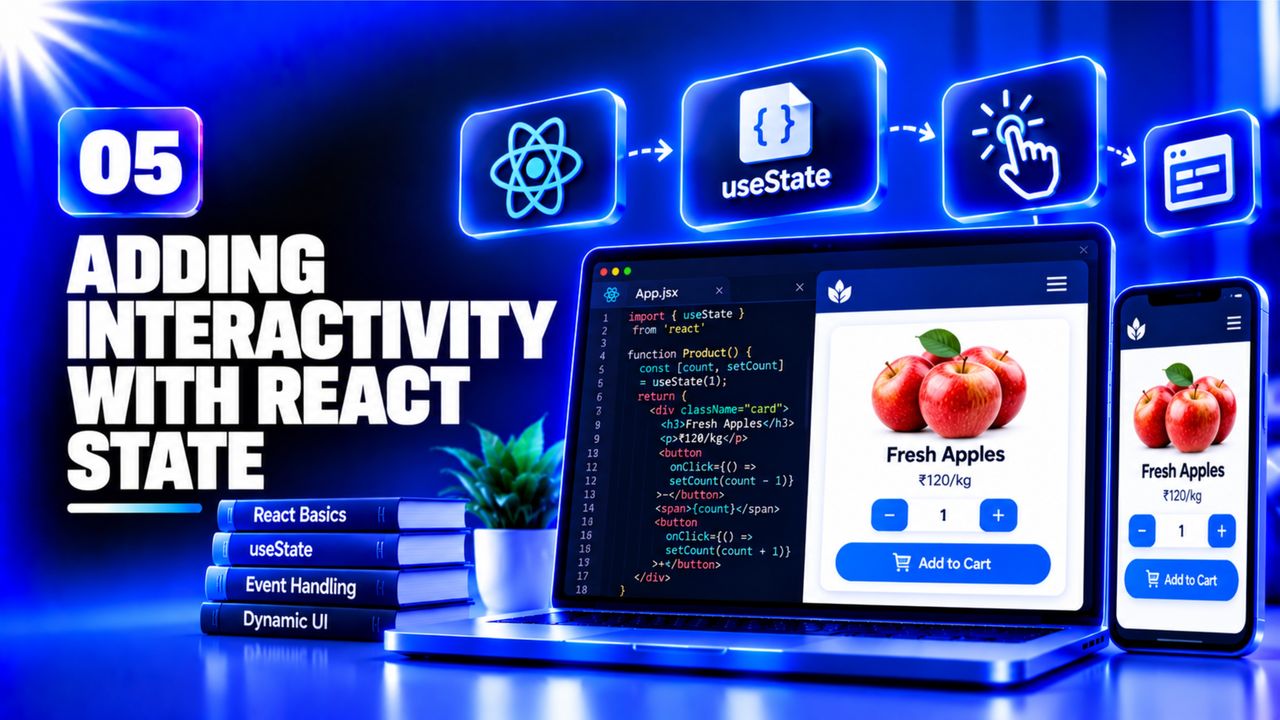 Adding Interactivity with React State
Web Dev Simplified · 16 min
6
Adding Interactivity with React State
Web Dev Simplified · 16 min
6
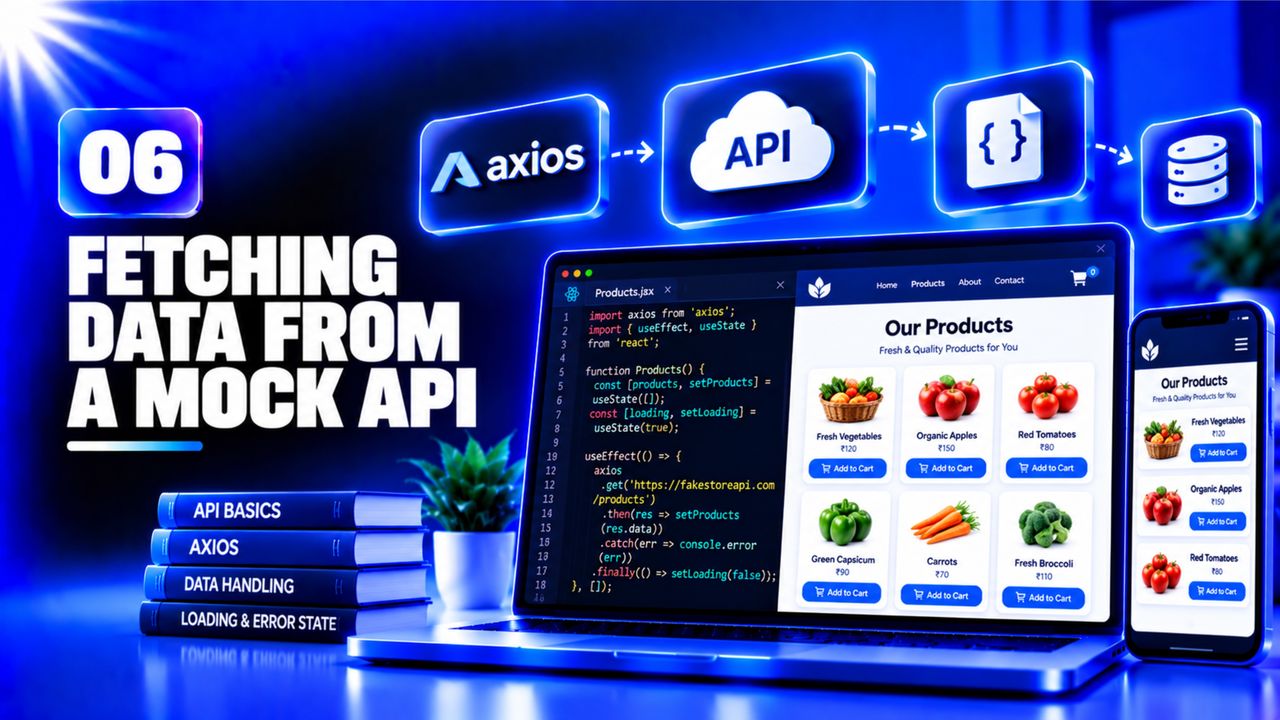 Fetching Data from a Mock API
CodeWithHarry · 13 min
7
Fetching Data from a Mock API
CodeWithHarry · 13 min
7
 Creating the Web App Manifest
Fireship · 8 min
8
Creating the Web App Manifest
Fireship · 8 min
8
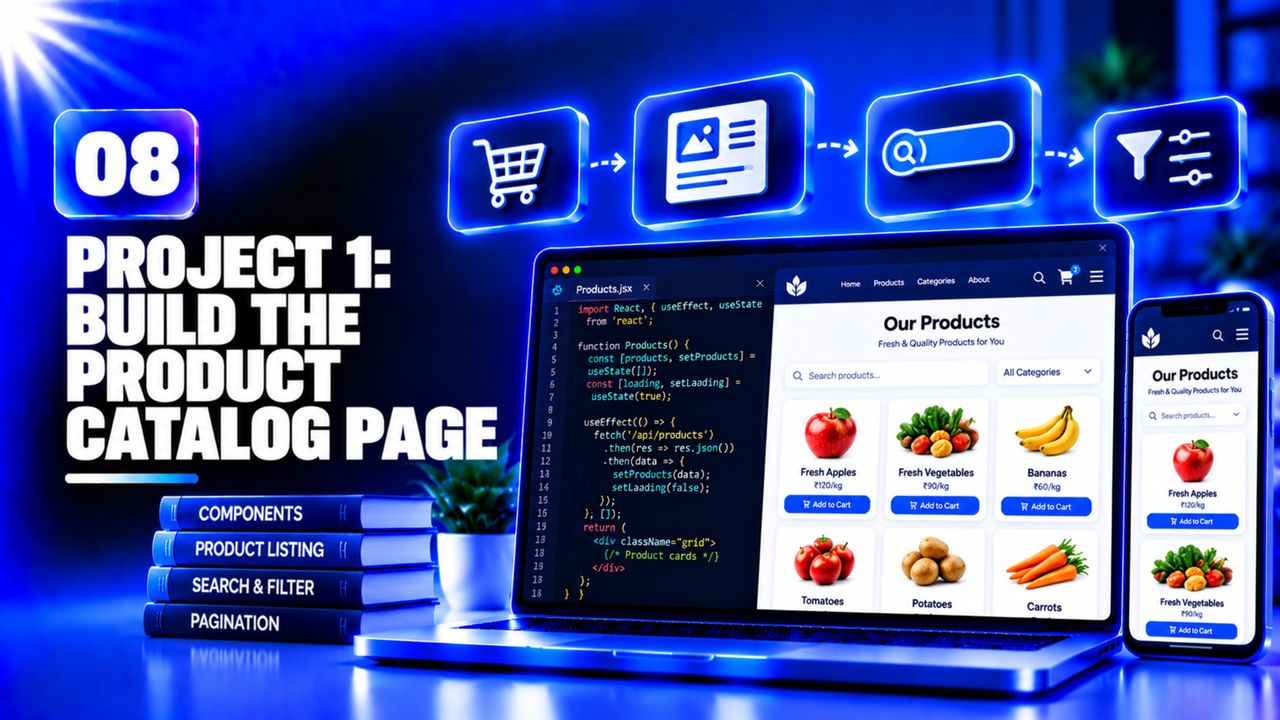 Project 1: Build the Product Catalog Page
AG Grid · 11 min
9
Project 1: Build the Product Catalog Page
AG Grid · 11 min
9
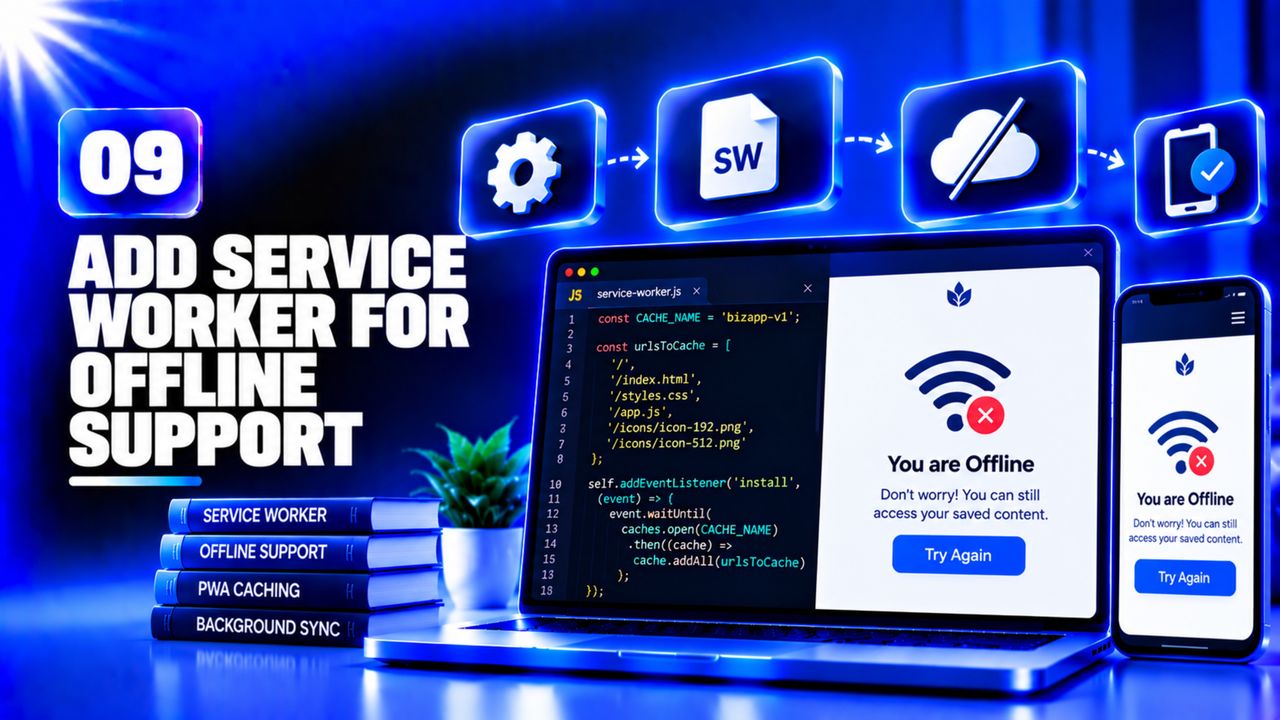 Project 2: Add Service Worker for Offline Support
Rethinking UI · 17 min
10
Project 2: Add Service Worker for Offline Support
Rethinking UI · 17 min
10
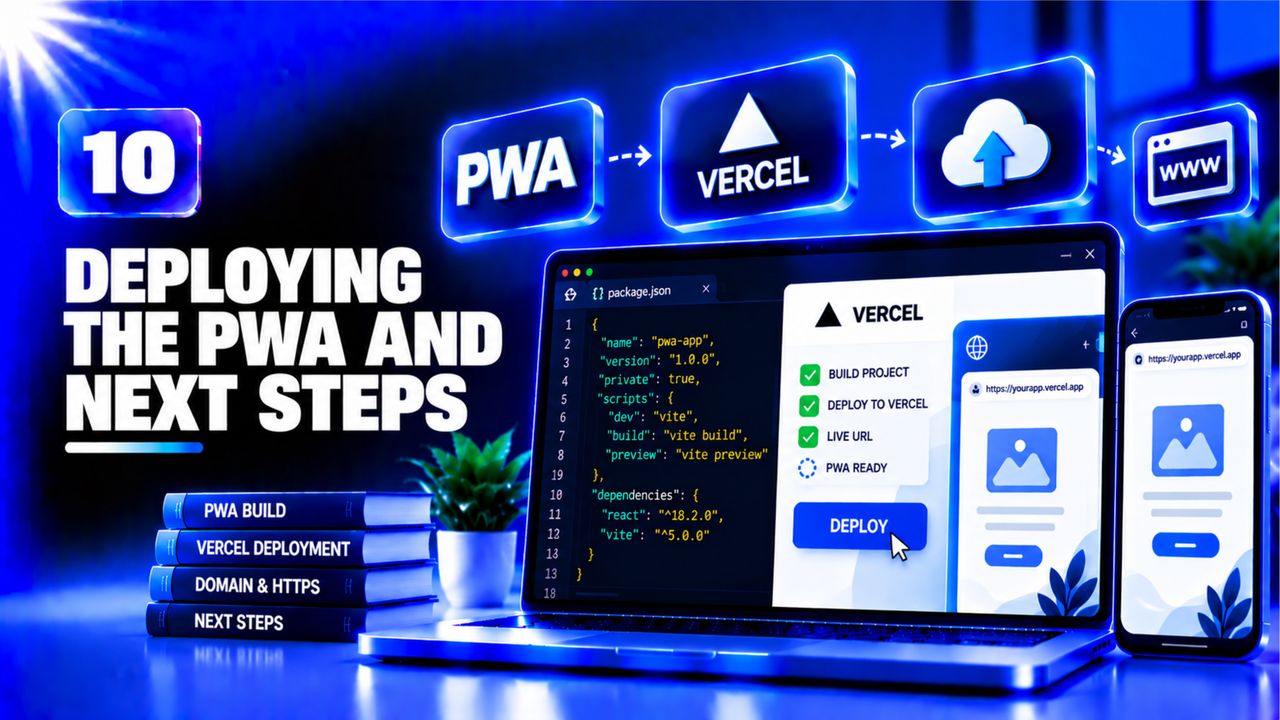 Deploying the PWA and Next Steps
CodeWithHarry · 14 min
Deploying the PWA and Next Steps
CodeWithHarry · 14 min
Create a fully functional Progressive Web App for a local bakery (or any small shop) and deploy it on GitHub Pages.
What to submit: a link to the live PWA and a GitHub repository URL.
Reviewer checklist: