

This course is for Indian students and career‑switchers who know basic Dart/Flutter and want a job‑ready skill. You'll build a simple cross‑platform Flutter app that receives real‑time push notifications via Firebase Cloud Messaging.
Across nine short lessons you'll set up a Firebase project, configure Android and iOS, write the Flutter code, and test end‑to‑end delivery. Two hands‑on labs let you publish a test notification and add custom handling for foreground, background, and terminated states.
After completing the course you'll be able to add push‑notification features to any Flutter product, troubleshoot common integration issues, and showcase a working demo in your portfolio.
 Course Overview & Prerequisites
Fireship · 12 min
2
Course Overview & Prerequisites
Fireship · 12 min
2
 Create a Firebase Project
Piyush Garg · 11 min
3
Create a Firebase Project
Piyush Garg · 11 min
3
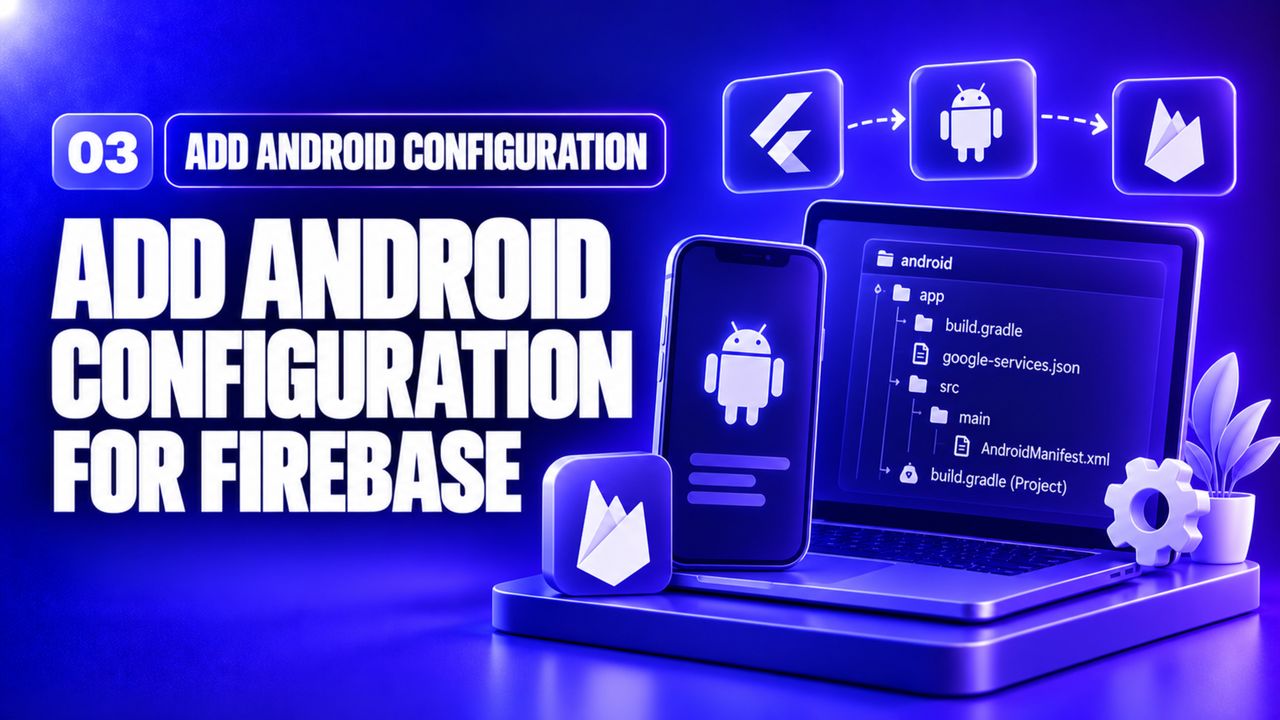 Add Android Configuration
Fireship · 13 min
4
Add Android Configuration
Fireship · 13 min
4
 Add iOS Configuration
Fireship · 13 min
5
Add iOS Configuration
Fireship · 13 min
5
 Install Flutter FCM Packages
Bohdan Samusko · 17 min
6
Install Flutter FCM Packages
Bohdan Samusko · 17 min
6
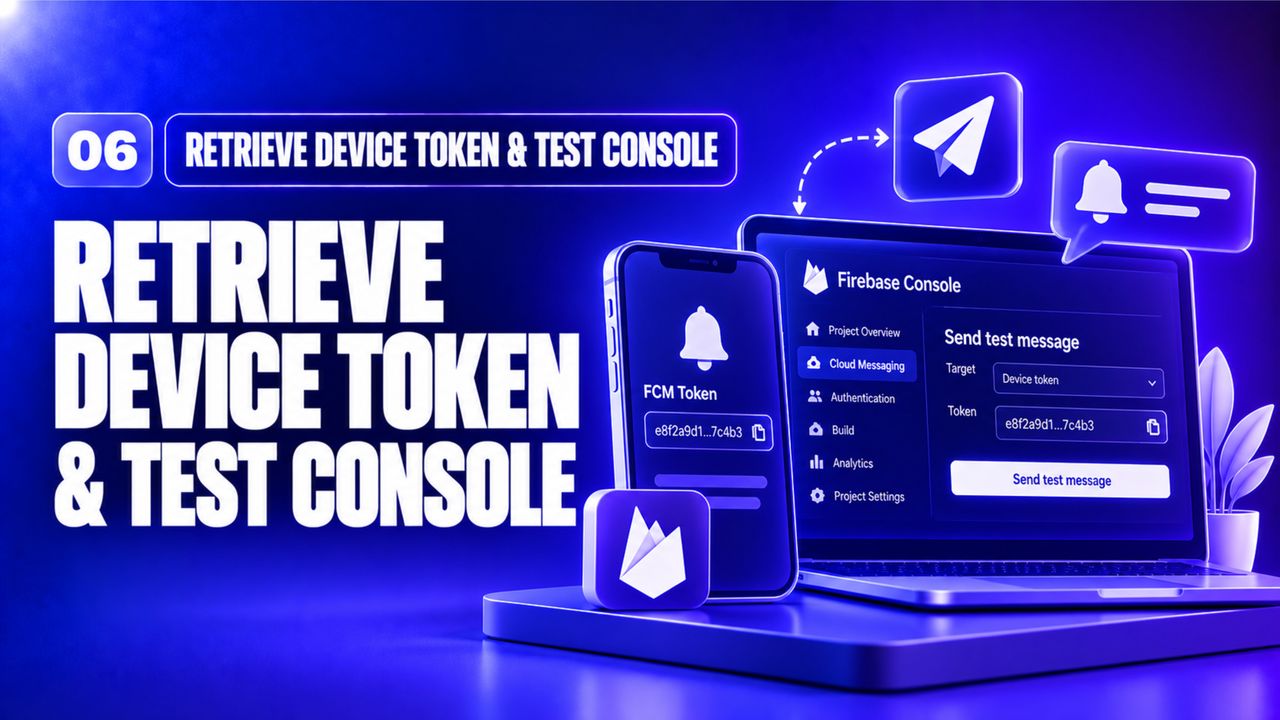 Retrieve Device Token & Test Console
Fireship · 11 min
7
Retrieve Device Token & Test Console
Fireship · 11 min
7
 Handle Foreground & Background Messages (Project)
Just Flutter · 23 min
8
Handle Foreground & Background Messages (Project)
Just Flutter · 23 min
8
 Custom Notification UI with Flutter Local Notifications (Project)
Mitch Koko · 8 min
9
Custom Notification UI with Flutter Local Notifications (Project)
Mitch Koko · 8 min
9
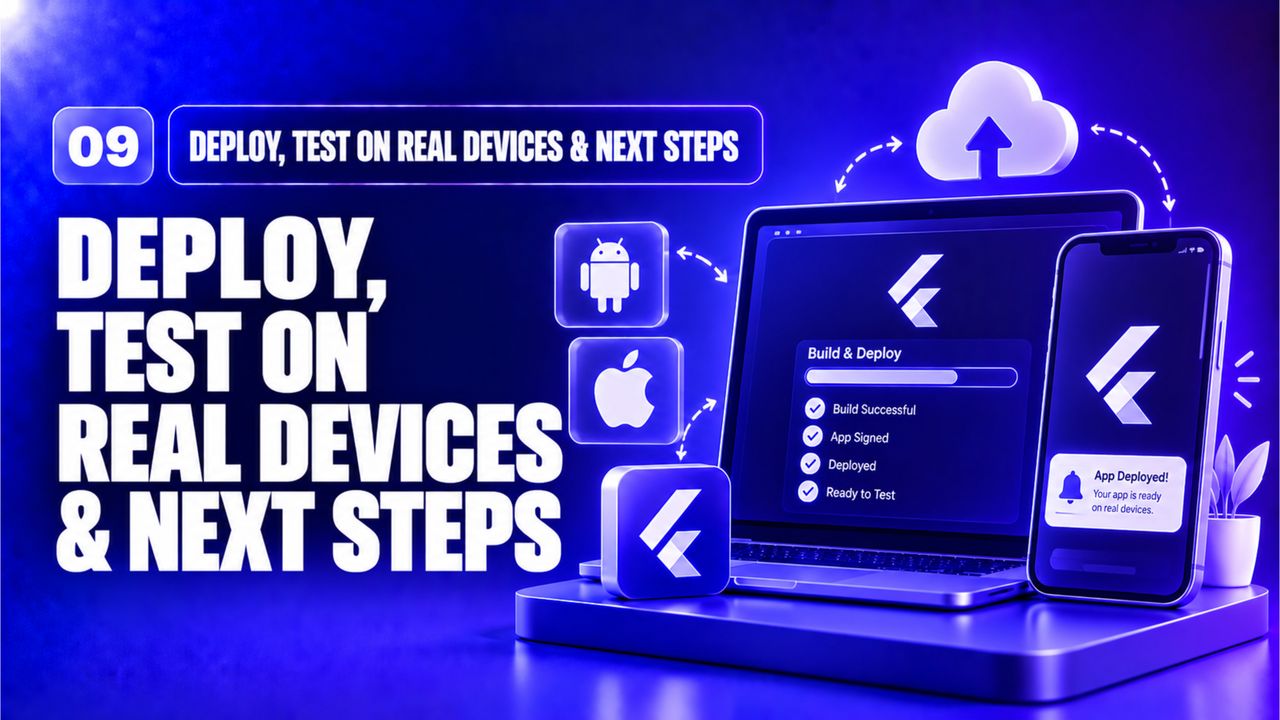 Deploy, Test on Real Devices & Next Steps
Bohdan Samusko · 17 min
Deploy, Test on Real Devices & Next Steps
Bohdan Samusko · 17 min
Build a small Todo list Flutter app that receives push notifications whenever a new task is added from a mock backend.
Submit: a GitHub repository link with README, plus a short video (max 2 min) demonstrating a notification arriving on both Android and iOS.
Reviewer checklist: