
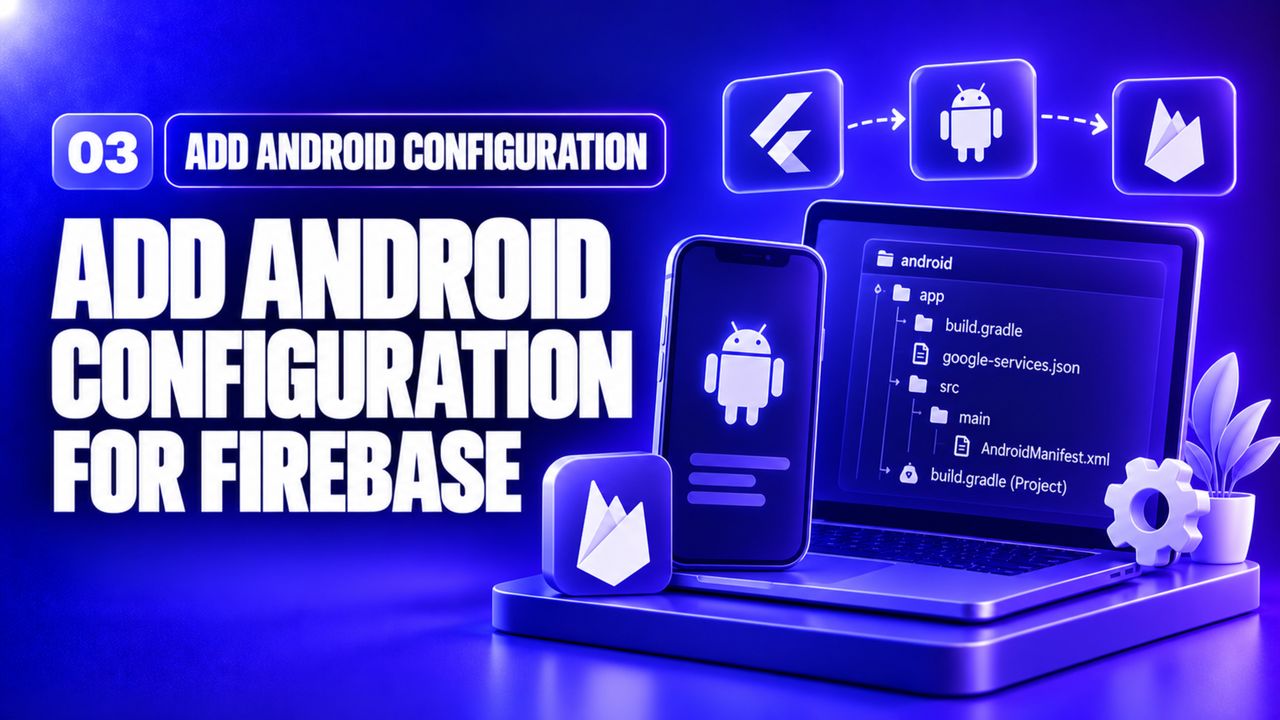
Video by Fireship on YouTube · 13 min. We did not make this video and we do not host it — watching it here still counts as a view for the creator.
Place the downloaded google-services.json inside android/app/. The video shows how to add the classpath 'com.google.gms:google-services:4.3.15' line in the root build.gradle and apply the plugin in the app module. A common mistake is forgetting to bump the minSdkVersion to at least 21, which causes a build failure.
After syncing Gradle, run flutter run to ensure the app still launches. This step prepares the native side to receive FCM tokens.
Sign in with your email, Google or GitHub. No password to remember. The same account carries your progress, your certificates and anything else you do with Nexgino later.
Sign in to continueIt takes about fifteen seconds.