
Video by Chrome for Developers on YouTube · 29 min. We did not make this video and we do not host it — watching it here still counts as a view for the creator.
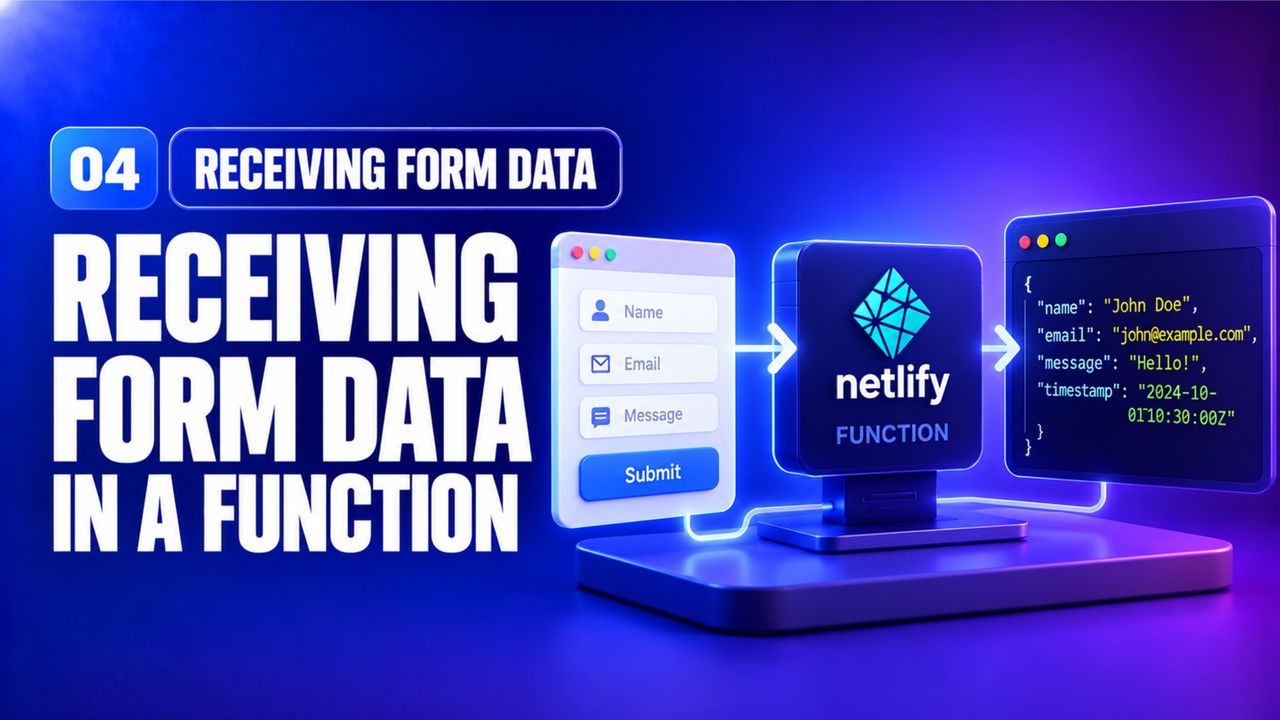
Netlify parses application/json automatically, but a plain HTML form sends application/x-www-form-urlencoded. Use event.body and querystring to decode it. Beginners often try JSON.parse(event.body) and get an error – remember the format.
For security, validate the email again on the server side before proceeding. In production you would also add rate‑limiting or a CAPTCHA, but for this beginner course a simple regex suffices.
Sign in with your email, Google or GitHub. No password to remember. The same account carries your progress, your certificates and anything else you do with Nexgino later.
Sign in to continueIt takes about fifteen seconds.