

This beginner‑friendly course is for Indian students and career‑switchers who want a job‑ready skill in conversational APIs. You’ll build a functional WhatsApp Business chatbot that can receive messages, send automated replies, and integrate simple business logic.
By the end of the course you will have a deployed bot on Twilio’s sandbox, understand how to handle inbound/outbound messages, and be comfortable with Node.js webhooks and environment configuration.
You’ll be ready to add chatbot features to any product, showcase a live project in interviews, and start freelancing or applying for junior developer roles focused on messaging platforms.
 Course Overview & Setting Up the Environment
Coding Wallah Sir · 9 min
2
Course Overview & Setting Up the Environment
Coding Wallah Sir · 9 min
2
 Understanding WhatsApp Business API & Twilio Sandbox
Code Jana · 17 min
3
Understanding WhatsApp Business API & Twilio Sandbox
Code Jana · 17 min
3
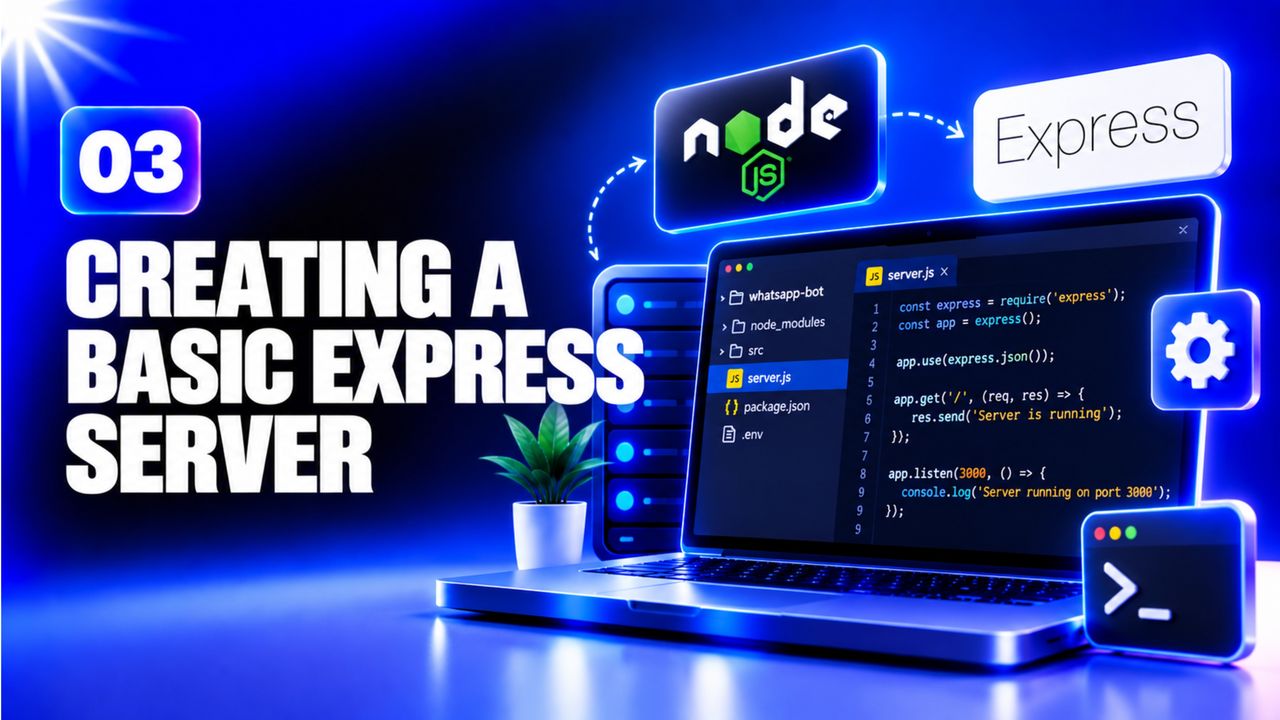 Creating a Basic Express Server
Web Dev Simplified · 36 min
4
Creating a Basic Express Server
Web Dev Simplified · 36 min
4
 Handling Incoming WhatsApp Messages (Webhook)
manfra․io · 26 min
5
Handling Incoming WhatsApp Messages (Webhook)
manfra․io · 26 min
5
 Sending Outbound Messages via Twilio API
Lakshit Ukani | AI Automation · 18 min
6
Sending Outbound Messages via Twilio API
Lakshit Ukani | AI Automation · 18 min
6
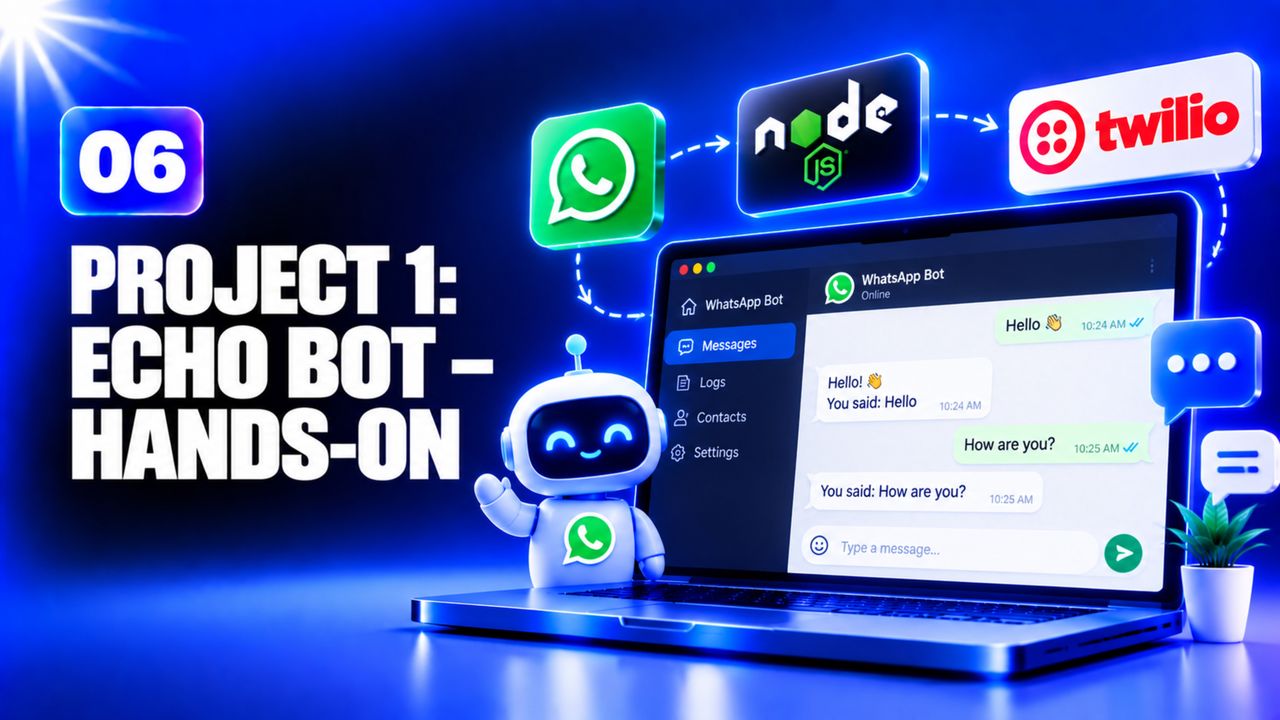 Project 1: Echo Bot – Hands‑On
manfra․io · 45 min
7
Project 1: Echo Bot – Hands‑On
manfra․io · 45 min
7
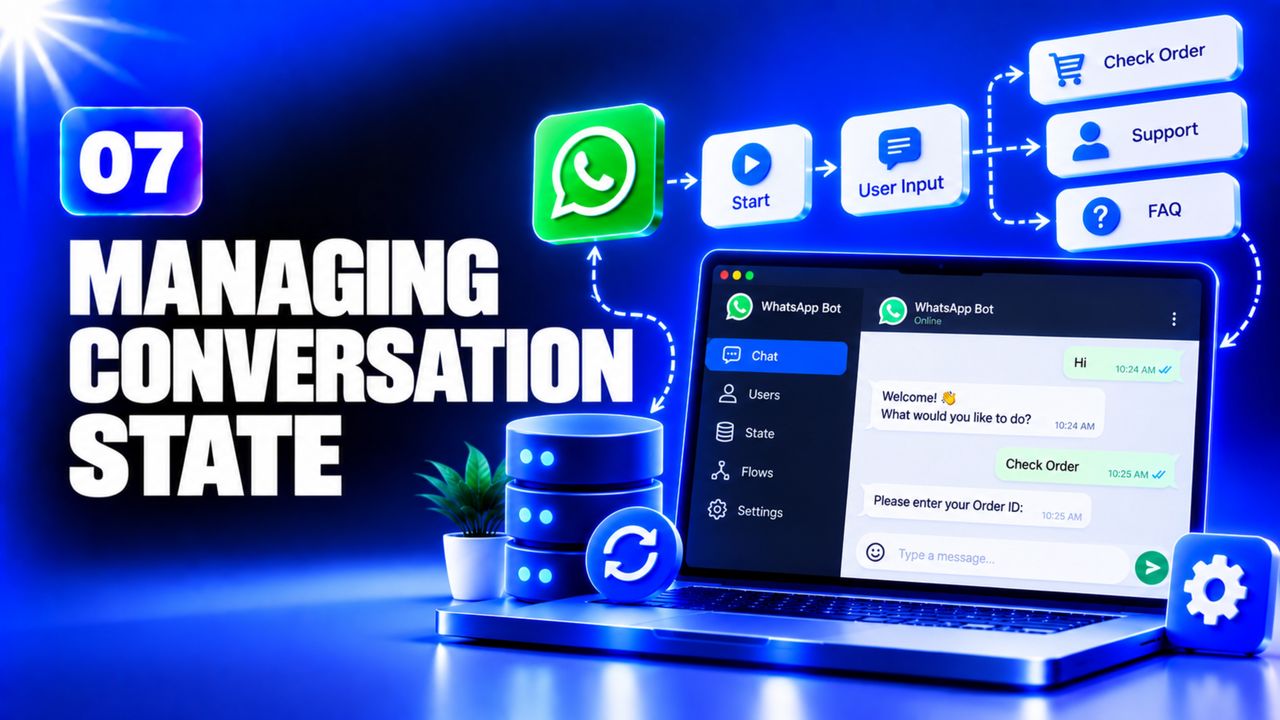 Managing Conversation State
Web Dev Simplified · 28 min
8
Managing Conversation State
Web Dev Simplified · 28 min
8
 Project 2: Menu‑Driven Support Bot – Hands‑On
manfra․io · 45 min
9
Project 2: Menu‑Driven Support Bot – Hands‑On
manfra․io · 45 min
9
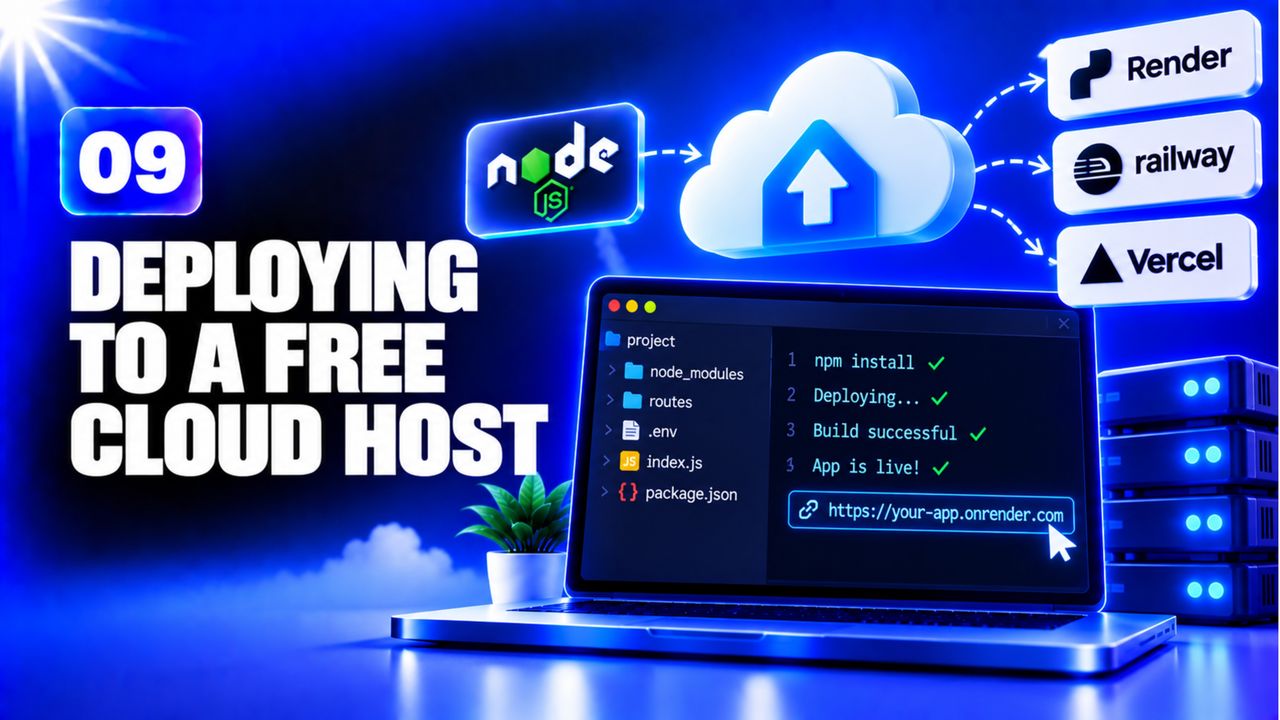 Deploying to a Free Cloud Host
Piyush Garg · 20 min
Deploying to a Free Cloud Host
Piyush Garg · 20 min
Build a WhatsApp Business chatbot that can:
Submit: a GitHub repository link with README, and the live URL of the webhook.
Reviewer checklist: